Meaning and Purpose:
When editing a film its important for editors to be highly organised, as it will mean they can work faster whilst also reducing the chance of them forgetting where they saved files, saving time. This means that editors must set up a project folder from which all materials that relate to the project are saved in e.g Premiere Pro save file, RAW footage and any other additional materials such as audio and images. There is also technical reason for this as well and this is because its easier for Premiere Pro to find the RAW footage if it's placed in one area.
Logging Rushes:
 |
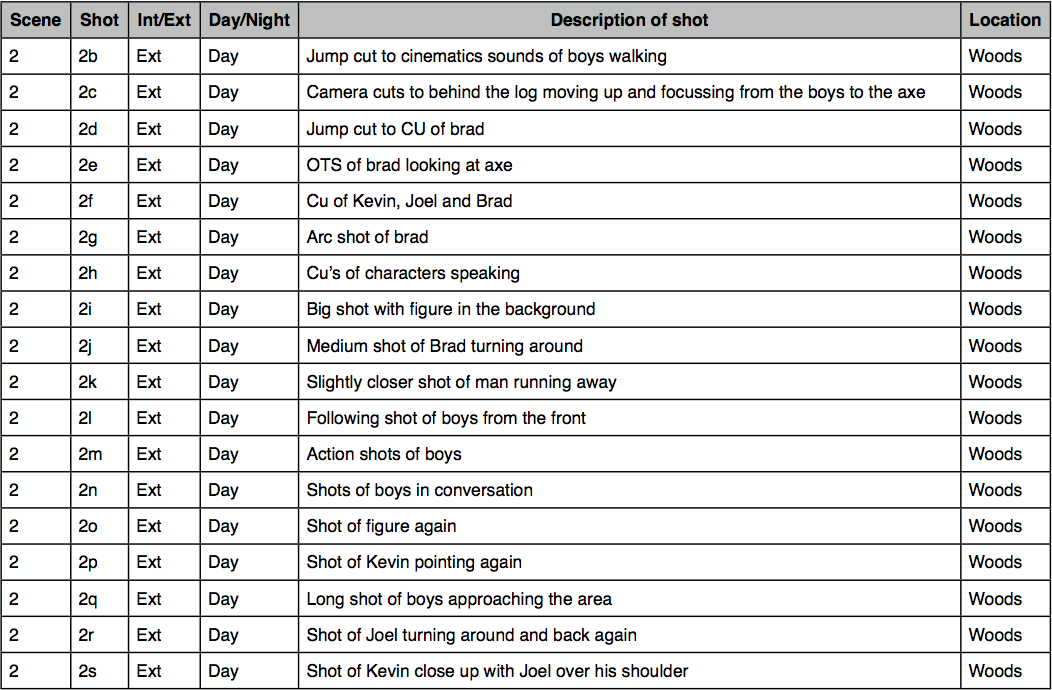
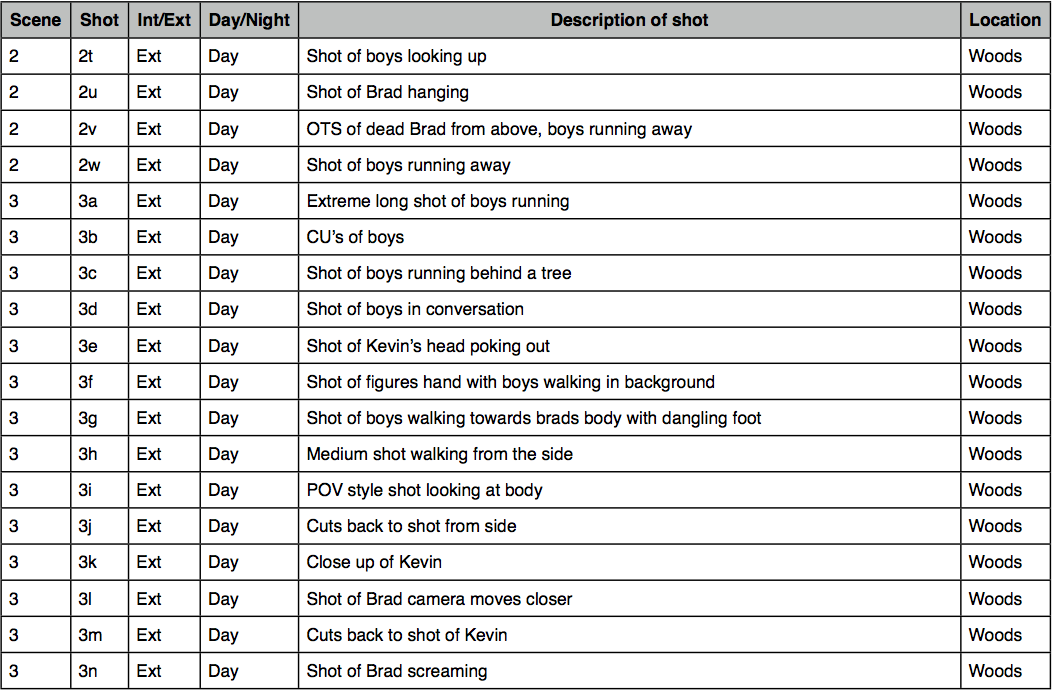
| This image shows me renaming my footage to correspond with my edit decision list. |
Prior to the editing stage loggers must watch through all the footage taken on the day of the shoot and select the footage that will be used in the offline edit, they record the best clips metadata and this information is then passed onto the editor, this makes the editing process far more efficient. It's also important to rename rushes so that the video clips are in the correct order, this is so that when the footage is dragged in to the premiere pro timeline it is all in the correct order, reducing the time spent having to move clips in one by one, making the editing process far more effective.
Setting up the Project folder:
In order to setup the project folder I decided to create a folder on the desktop that would be easy to access. For this production we decided to log our rushes using OSX's finder, this allowed us to organise our footage in the order of which it was taken, we then watched through the clips and removed those that were no good, and renamed the remaining clips to correspond with our edit decisions list, once this was completed the footage was imported into Premiere Pro.
 |
| Using finder I created a new folder on my desktop |
 |
| Once I had created the parent folder I created sub folders within that where I could place my footage, project and audio files. |
Setting up the Premiere Pro Project:
 |
| This is the new project window in Premiere Pro, from this window I chose to select 'new project' |
 |
| In the 'new project' window I then had to chose the file location where I would save my project, I chose to select the Hidden project folder I had created on the desktop. I also set the capture format to HDV as we shot our footage in HDV. I then finished this step by naming the project. |
 |
| Here I created and setup the main sequence in my project, I decided to choose a HDV 1080p 24fps preset as it matched my camera settings. |
Edit Decision List
An edit decision list or EDL is used in the post-production process of film editing and video editing. The list contains an ordered list of reel and timecode data representing where each video clip can be obtained in order to conform the final cut.



No comments:
Post a Comment